
| News & Media | |
| Download | |
| FAQ | |
| Manual | |
| Gallery | |
| Change Log | |
| Credit | |
| Disclaimer | |
| Related Sites | |
| Web Forum | |
| Mail List | |
| Bug Tracker | |
Orbiter is free - but if you like it, you can appreciate the work that has gone into creating it by making a donation.
Cheers!

About ORBITER | |
ORBITER is a free flight simulator that goes beyond
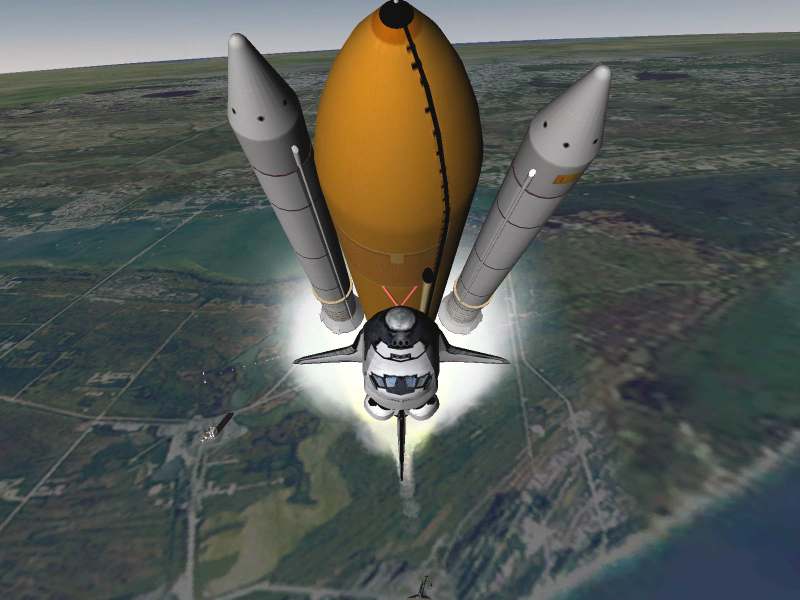
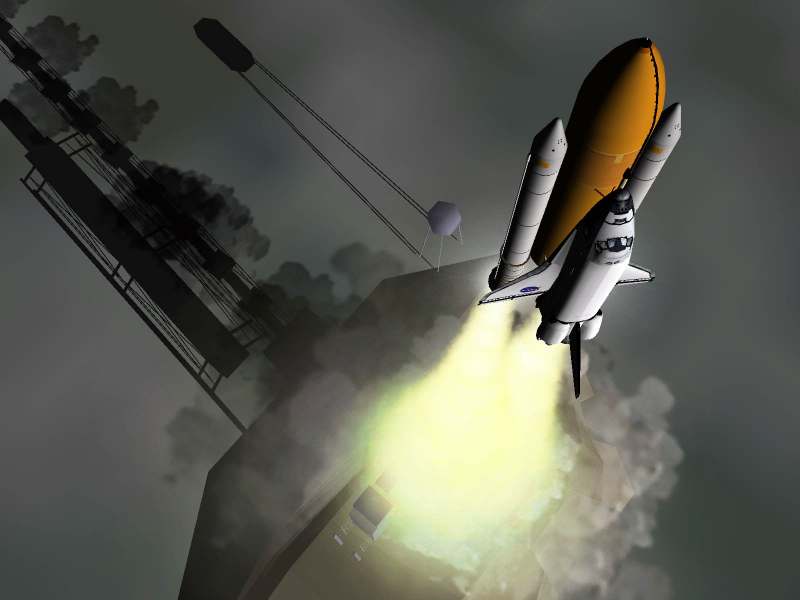
the confines of Earth's atmosphere. Launch the Space Shuttle from Kennedy
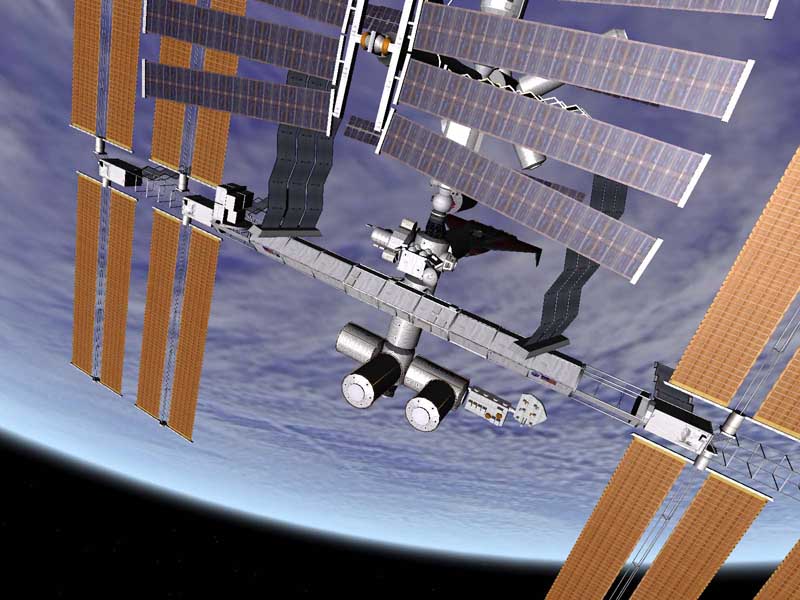
Space Center to deploy a satellite, rendezvous with the International Space
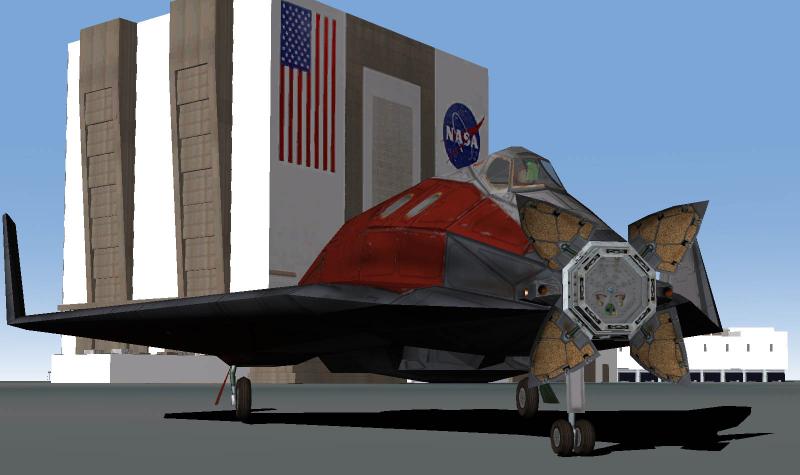
Station or take the futuristic
Delta-glider for a tour through the solar system - the choice is yours.
But make no mistake - ORBITER is not a space
shooter. The emphasis is firmly on realism, and the learning curve can
be steep. Be prepared to invest some time and effort to brush up on your
orbital mechanics background. A good starting point is JPL's
Space
Flight Learners' Workbook.
For discussion with other Orbiter users, have a look at the Orbiter forum. More information and resources for users and developers can be found under the Orbiter Wikipedia entry and the OrbiterWiki site, both maintained by the Orbiter community.
News | |
February 16, 2005: ORBITER 2005 Edition: Patch 2 released
The second patch (build 050216) introduces a number of small but essential improvements to the 2005 Edition of Orbiter, including fixes to orbit stability problems, a virtual cockpit for the Shuttle-A, and other upgrades. See the change log for details.
January 26, 2005: ORBITER 2005 Edition: Patch 1 released
The first patch for Orbiter 2005 Edition has been released. This is a minor upgrade, containing a number of bug fixes, API additions and a re-designed Surface MFD. See the change log for details.
January 16, 2005: New release: ORBITER 2005 Edition
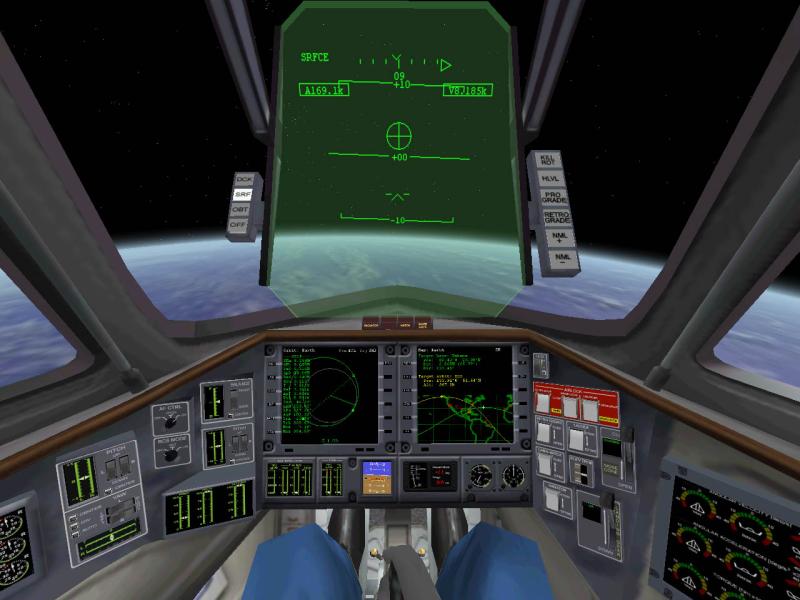
Virtual cockpits: Orbiter now supports 3-D virtual spacecraft cockpits. This takes Orbiter to a new level of immersion and enhances situational awareness by providing a rotating camera viewpoint. Instrument displays are fully functional, and buttons and switches can be operated with the mouse. The Orbiter distribution provides a reference cockpit implementation for the Delta-glider, but addon spacecraft can be upgraded using the virtual cockpit programming interface.
New visual effects: New atmospheric haze rendering make planets appear much more realistic from orbit. Looking towards the horizon in low Earth orbit shows the increasing effect of haze blurring of surface features. Spacecraft, buildings and even smoke trails now cast a shadow on the ground, providing more attractive visuals and a useful altitude cue.
More accurate astrodynamics: A lot of effort has gone into improving Orbiter's physical engine. Planetary ephemeris codes have been extensively redesigned. The sun is no longer fixed in the centre of the solar system, but rotates around the barycentre. Earth's moon uses a more accurate perturbation solution. Jupiter's four largest moons are now also controlled by a semi-analytic perturbation code, improving long-term stability. Perturbations of the gravitational field due to nonspherical planet shapes are now supported.
New delta-glider: One of Orbiter's favourite spacecraft has been completely redesigned. Apart from a new exterior mesh and virtual cockpit contributed by Roger Long, it has also undergone a functional upgrade, including a version with air-breathing scramjet engines.
Better orbital flight model: Orbiter now uses a new method of orbit stabilisation during time compression. It calculates the osculating orbital elements of the primary gravity source, and dynamically propagates only the perturbations of this 2-body model. This provides better stability of trajectories - invaluable for interplanetary trips.
New help system: A context-sensitive HTML-based help system provides information about a particular spacecraft, instrument or simulation scenario. This greatly enhances the ability to design tutorials and in-game reference material.
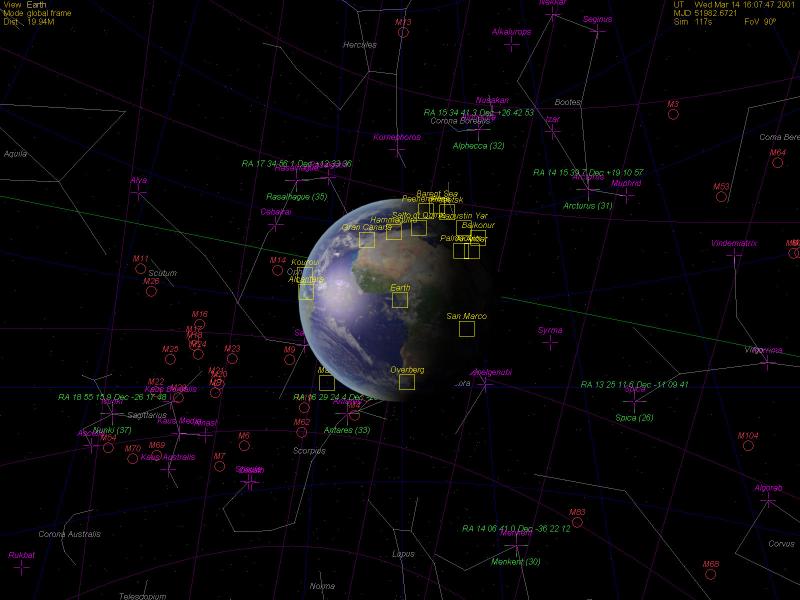
Markers and labels: A variety of configurable surface markers and celestial labels can now be displayed in Orbiter's "Planetarium" mode. They can be used to identify places of interest, landmarks, historical landing sites, guidance stars or other celestial objects.
A more detailed list of new features can be found in the Change Log.
Key features | |
- Realistic physics. Planetary motion, gravitation effects, free space and atmospheric flight are accurately modelled.
- You can land your ship at a space port on a planet surface, or dock to an orbital station.
- High resolution planetary maps provide some nice visual effects.
- Configurable environment. Users can add planets, space ships and space stations to the existing universe, or design a completely new solar system from scratch. The Orbiter Software Development Kit contains libraries and sample C++ code for addon developers who want to write plugins.
Disclaimer | |
- ORBITER is an ongoing project and not a finished product in any sense. I may upgrade it from time to time and post new releases at this site.
- I provide the software as is, without any support whatsoever. I do not accept any responsibility for problems arising from its use. See the Disclaimer page for details.
 |
 |
 |
 |
 |
 |
 |
 |
Web counter:
You are visitor
since 22 Nov 2000.

